Site search
4:42 AM QR Code on a Website: How to Make and What to Place | |
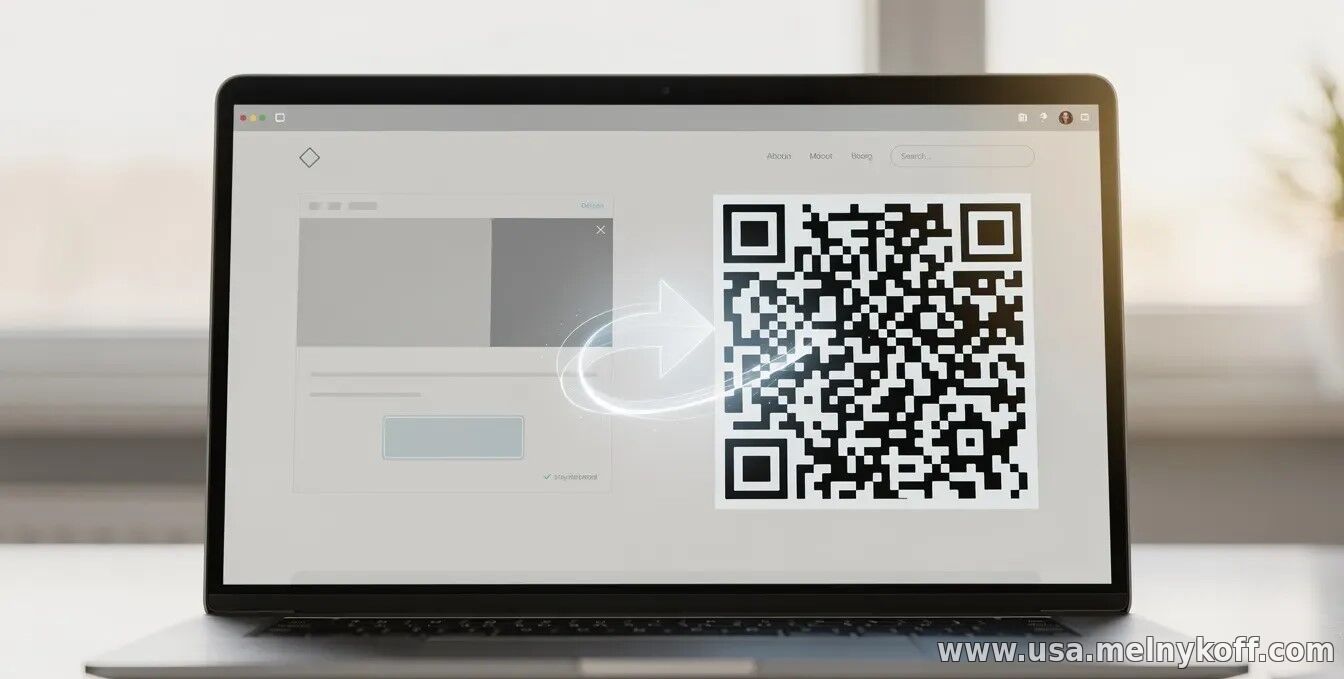
A QR code on a website is a way to instantly connect offline and online scenarios: a user can scan the code on the screen (or somewhere off-site) and navigate to a specific destination. The key is to choose the right format, place the code in a convenient location, and encode clear, useful information for the visitor. How to create a QR code for a website The simplest option is to generate a QR code for the URL (link to the page). Online QR code generators or libraries/services for your website are suitable for this. It's important to check that the code opens correctly on popular smartphone cameras and that it reads consistently across different screen resolutions. When generating, pay attention to the following parameters: data type (usually a URL), size (so that the code is readable), error correction level (often medium or high is suitable if the code may be partially obscured or will be compressed), and the absence of unnecessary graphic elements that may interfere with recognition. What exactly should be included in a QR code? Most often, a QR code includes a link, but the options depend on the page's purpose and user experience. Below are some practical ideas that typically produce the greatest impact. Link to the landing page: product card, article, landing page, registration page. Promo code or promotion: You can encode a link with parameters to take the source into account in analytics. Contacts: for example, a link to a messenger, a "Contact Us" page, or an application form. Event: A link to a schedule, registration, or ticket linked to a campaign. File or action: Sometimes a QR code for downloading (PDF/catalog) or for going to instructions is suitable. If you want scanning to be as predictable as possible, avoid overloading the user: it's better to direct the user to a clear location than to code overly complex scenarios. For promotions and analytics, use unique links with UTM tags—this way you'll see how many clicks came from the QR code. Where to place a QR code on a website The optimal placement depends on what you're offering. Generally, QR codes work well next to a call to action: in "Buy," "Sign Up," "Get a Consultation" blocks, on a contact page, in a product page, or at the end of an article. It's also worth considering mobile-friendliness: the code shouldn't be too small, and the surrounding text shouldn't be distracting. Consider accessibility separately: it's best to include a short caption (what happens when scanning) and an alternative link for those who don't scan codes. This increases conversion and helps ensure good user experience. Pre-launch check Before publishing, be sure to test the QR code: on different phone models, in different lighting conditions (if the code will be used off-site), and after image optimization and page compression. Make sure the link opens correctly and doesn't encounter redirects or browser limitations. It's also helpful to test the display on different devices and at different scales: if your website is responsive, the QR code should remain legible as the screen width changes. If necessary, set a fixed visual area for the code. A QR code is a simple tool with a noticeable practical effect if you tie it to a single, clear purpose and make scanning truly convenient. Choose a scenario, encode the correct link, and test the recognition quality—and the QR code will become a working part of your website's funnel.
| |
|
| |